Screen PPI Calculation: Pixel Density and Resolution Guide
Burak Çelik · 31 Mayıs 2026
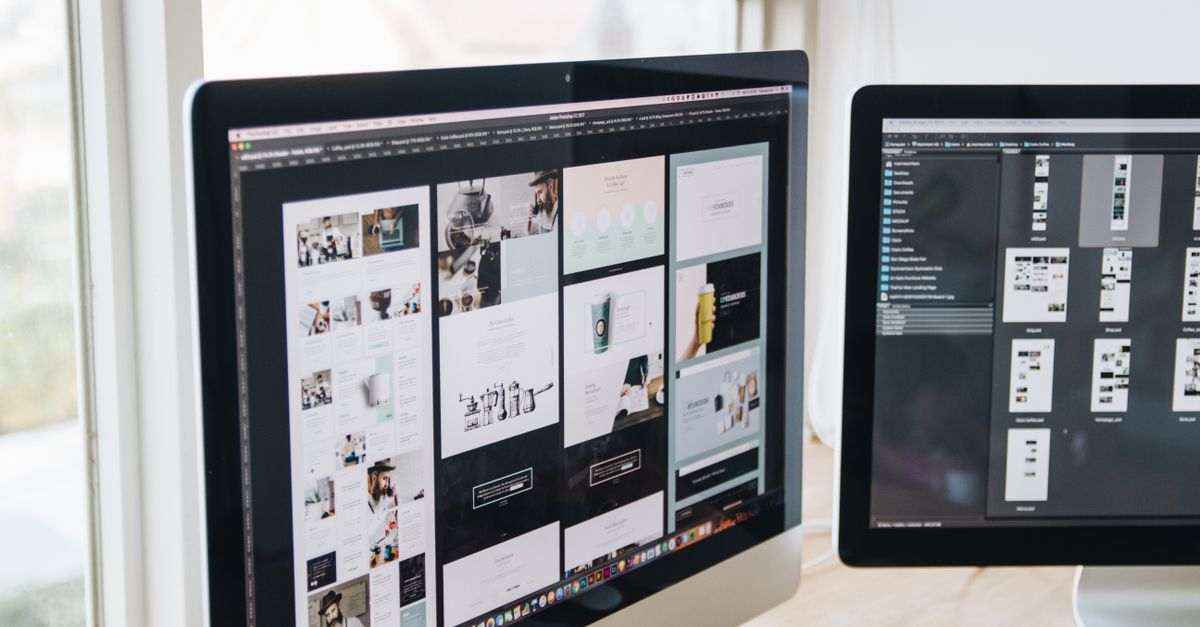
The term "PPI", which we often hear when buying a new phone, monitor or television, is one of the most important measures of image quality. Screen PPI calculation lets you numerically understand how sharp and clear an image a screen delivers. In this guide we cover what PPI is, how it is calculated and why it matters, with examples. To find out the value of your own screen, you can use our technology calculation tools.
What Is PPI?
PPI (Pixels Per Inch) expresses the number of pixels that fit into one inch of length. The higher the PPI on a screen, the smaller and denser the pixels are, which means a sharper, clearer image. Of two screens with the same resolution, the smaller one has the higher PPI, because the same number of pixels is squeezed into a smaller area. This is why small phone screens have a far higher pixel density than large televisions.
How Is PPI Calculated?
PPI is found by dividing the diagonal pixel count of the screen by the diagonal length in inches:
PPI = √(width² + height²) ÷ diagonal (inches)
- Take the horizontal and vertical pixel count of the screen (for example 1920 × 1080).
- Find the diagonal pixel count using the Pythagorean theorem.
- Divide this value by the diagonal size of the screen in inches.
For example, the PPI of a 24-inch Full HD (1920×1080) monitor is approximately 92. Instead of doing this calculation by hand, you can enter the resolution and diagonal size into the screen PPI calculation tool and see the result instantly.
Which PPI Value Is Good?
The ideal PPI depends on how far away you look at the screen. Because we hold a phone close, a high PPI (300+) is needed; at this level the human eye cannot distinguish the pixels ("retina" quality). While 90–110 PPI is considered enough for monitors, even a lower PPI looks sharp on televisions watched from a seating distance. So PPI should be evaluated not on its own, but together with the usage distance.
The Relationship Between Resolution and Screen Size
The same resolution offers very different experiences at different screen sizes. Since a 27-inch Full HD monitor has a lower PPI than a 24-inch one, the image looks a little more "coarse-pixelled". That is why high resolutions such as 4K are preferred on large monitors. Choosing the right screen comes down to striking this balance between resolution and size.
Image Memory Size
Screen resolution affects not only sharpness but also the memory space that images occupy. The size of an uncompressed image depends on width, height and color depth. To find out the raw size of an image, you can use the image memory size calculation tool. This information is decisive for designers and developers in storage and performance planning.
Dot Pitch: The Inverse of PPI
Besides PPI, the "dot pitch" value is sometimes used as well. This is the distance between the centers of two neighboring pixels and is measured in millimeters. The smaller the dot pitch, the sharper the image; that is, it is inversely proportional to PPI. Both values are taken into account when choosing a professional monitor.
Retina Quality and Viewing Distance
The detail the eye can distinguish depends on how closely you look at the screen; that is why "sufficient PPI" is not a single number. A screen is considered "retina" quality if, when viewed from a certain distance, the pixels cannot be picked out individually. Because we hold a phone 25–30 cm from the eye, a high PPI (300 and above) is needed. Since we usually look at a desktop monitor from 50–70 cm, 90–110 PPI looks sharp to most users. On televisions watched from a seating distance, that is from a few meters, even a much lower PPI is perceived clearly; although the PPI of a 55-inch 4K television is far below that of a phone, the image looks flawless because of the viewing distance. The right assessment comes from always thinking of PPI together with the usage distance.
Common Resolutions and Their Equivalents
The resolution names you encounter on the market are abbreviations for specific pixel counts:
- HD (720p): 1280 × 720 pixels
- Full HD (1080p): 1920 × 1080 pixels
- QHD / 2K (1440p): 2560 × 1440 pixels
- 4K UHD: 3840 × 2160 pixels
The same resolution gives a different PPI at different screen sizes. Since a 27-inch Full HD monitor has a lower PPI than a 24-inch one, the image looks a little more coarse-pixelled. That is why high resolutions such as QHD or 4K are preferred on large monitors to preserve sharpness. Choosing the right screen comes down to striking this balance between resolution and size.
Scaling and a Clear Image
On high-PPI screens everything can look very small, because the same interface is spread across far more pixels. Operating systems solve this with "scaling": for example, by scaling the interface to 150% on a 4K monitor, they keep the text and icons at a readable size while preserving the sharpness of the image. This way you get both crisp text and comfortable use from the high resolution. When the scaling value is set incorrectly, the image can look blurry or out of proportion; that is why using the screen's native resolution and the recommended scaling ratio gives the best result. For those working in design and photography, high PPI makes a noticeable difference because it ensures fine details appear correctly.
The Right Screen for Gaming, Design and Office Work
The ideal screen varies according to what you do; there is no single "best". For office and everyday use, a 24–27 inch Full HD or QHD monitor that is easy on the eyes and offers enough working area is more than enough for most people. For those doing graphic design, photo and video editing, pixel density and color accuracy come to the fore; a high-PPI QHD or 4K screen ensures that fine details and color gradients appear correctly. For gamers, refresh rate (Hz) comes to the fore as much as sharpness: a screen of 144 Hz or higher shows more frames per second, making motion smoother and providing an advantage in fast-paced games. That is why, when choosing a screen, PPI should be evaluated not on its own but together with size, resolution, refresh rate and color performance.
Refresh Rate, Color and Panel Type
Image quality is not just about the number of pixels. The refresh rate shows how many times per second the screen refreshes the image; while 60 Hz is enough for everyday use, 120 Hz and above offers a smooth experience. The panel type is also decisive: IPS panels suit design work with their wide viewing angle and vivid colors, VA panels offer high contrast, and TN panels target competitive gamers with their fast response time. Color depth (8-bit, 10-bit) and the color gamut the screen covers make a difference, especially in professional work. While a screen's resolution and PPI determine sharpness, the refresh rate, panel type and color characteristics shape the overall experience. The right choice comes from matching these features to your purpose of use.
Frequently Asked Questions
Is 4K always better? As resolution increases, PPI increases, but on small screens or when watching from a distance the difference may be indistinguishable to the eye.
Why is my phone's PPI higher than my computer's? Since the phone screen is much smaller, the same or a higher resolution fits into a much smaller area; this increases the pixel density. Because we hold the phone much closer to the eye, a high PPI becomes a necessity on these devices.
Are PPI and DPI the same thing? PPI is used for screen pixels, while DPI is used for the dot density in printing; although their logic is similar, one defines the on-screen image and the other the quality of the output printed on paper. While 300 DPI is generally targeted when preparing a design for printing, the PPI value is enough for viewing on screen.
At the same resolution, is a large screen or a small screen sharper? The small screen is sharper; because the same number of pixels fits into a smaller area, the pixel density (PPI) increases and the image looks clearer.
How many PPI is considered enough for a phone? Around 300 PPI and above is considered the "retina" limit at which the eye cannot distinguish the pixels at a normal usage distance; the difference above this value is not felt by most people.
When you consider resolution, screen size and viewing distance together, you evaluate image quality based on numbers rather than advertising slogans, and you decide on the screen most suited to your needs. Once you know why a "good" PPI value differs for a phone, a monitor and a television, and how refresh rate and panel type shape the experience, you choose the screen that serves you best without paying more than necessary. For all your screen and technology calculations, you can make use of our instant calculation tools.
Author
Burak Çelik · Technology & Digital EditorBurak Çelik writes blog posts on technology and digital topics. He clearly explains subjects such as data, networks, screens, time and body measurements.
All posts →